
Facturar.do — Invoicing system for small businesses
A web invoicing platform built with Python Django and PostgreSQL. It lets small businesses create clients, generate PDF invoices, record payments, and keep visibility into their account status — no spreadsheets required.
View live demoThe problem: manual, disorganized invoicing
Most Dominican small businesses manage their invoicing over WhatsApp, voice notes, or an unshared spreadsheet. When a client asks what they owe, there's no immediate answer. Facturar.do solves exactly that.
- Invoices in Word or Excel sent over WhatsApp
- No payment history per client
- Hard to know which invoices are outstanding
- Inconsistent numbering, manual errors
- No visibility into monthly revenue
- PDF invoice generated and sendable in seconds
- Always up-to-date account statement per client
- Dashboard of pending and collected invoices
- Automatic, sequential numbering
- Real-time financial summary for the period
Screenshots of the system
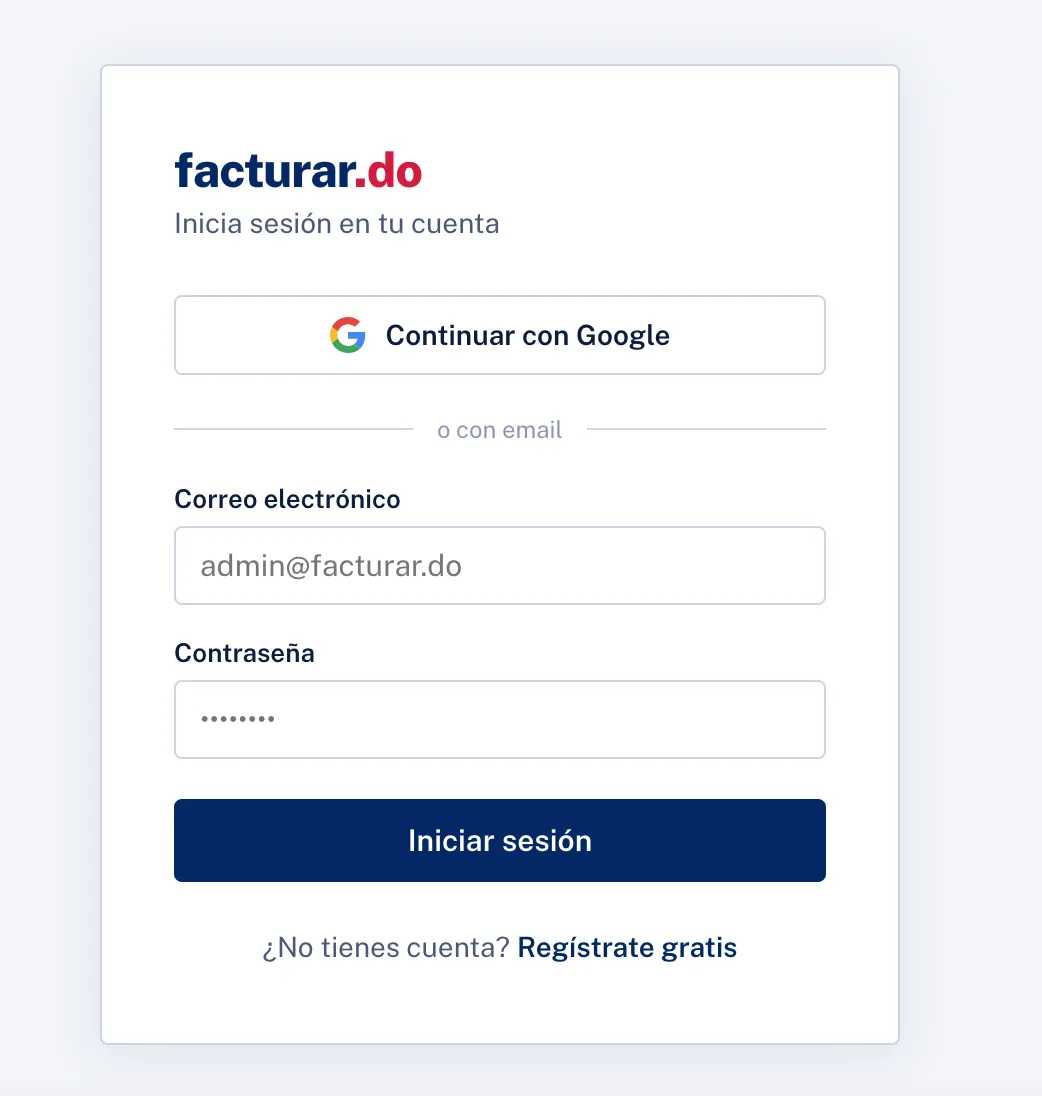
Sign-in — access with Google OAuth or email/password
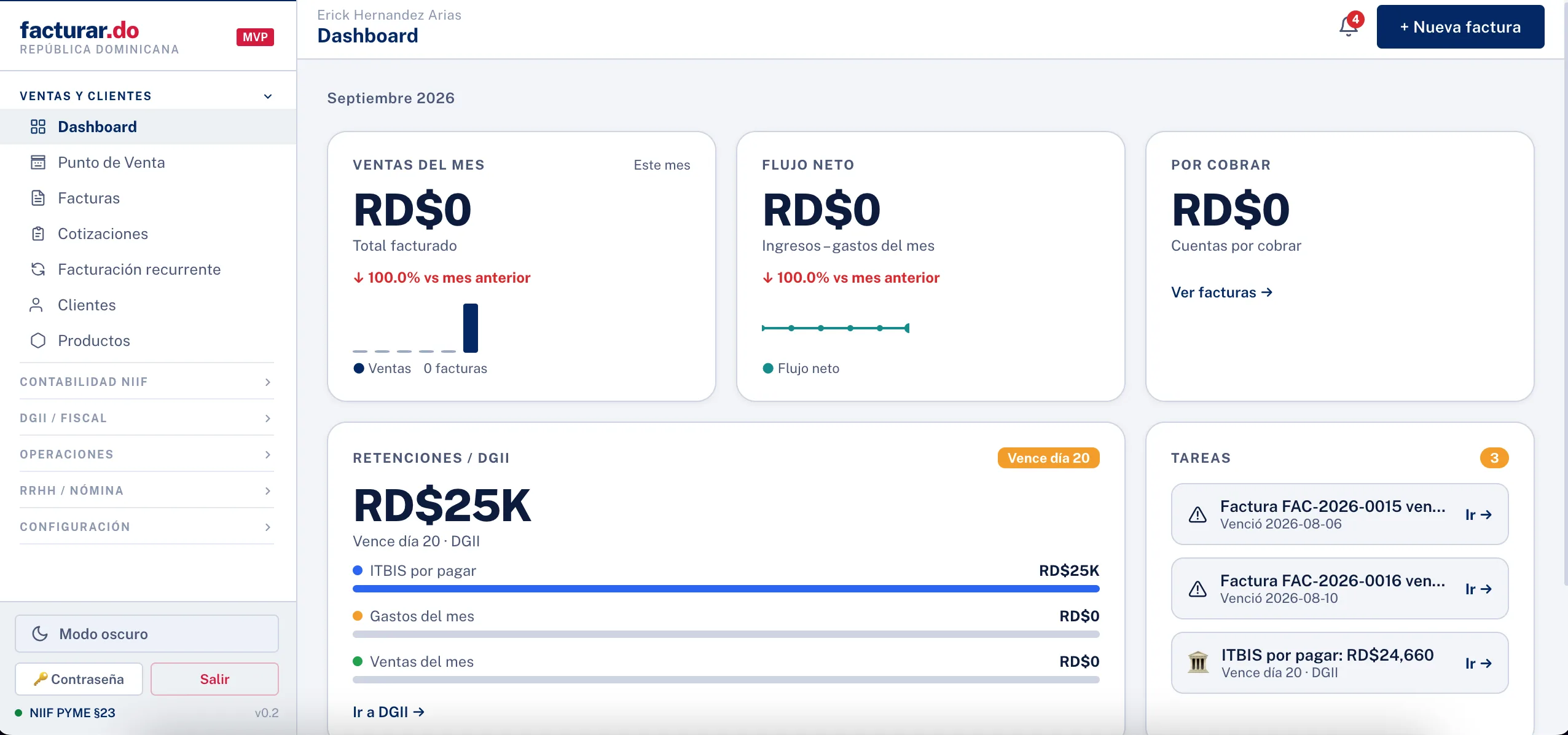
Main dashboard — monthly sales, net cash flow, accounts receivable, and VAT/DGII withholdings
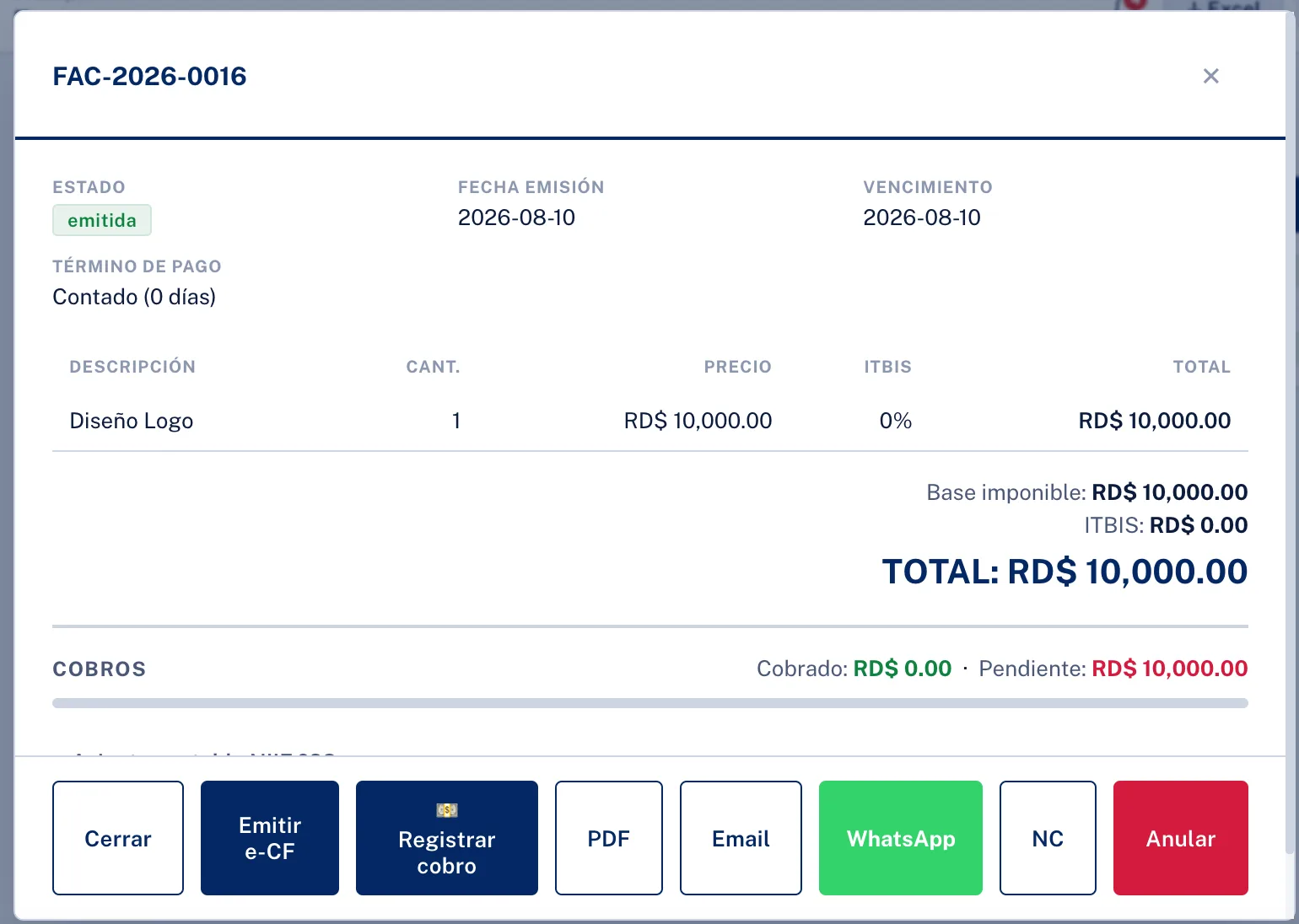
Invoice detail — e-CF issuance, payment recording, email/WhatsApp sending, and credit notes
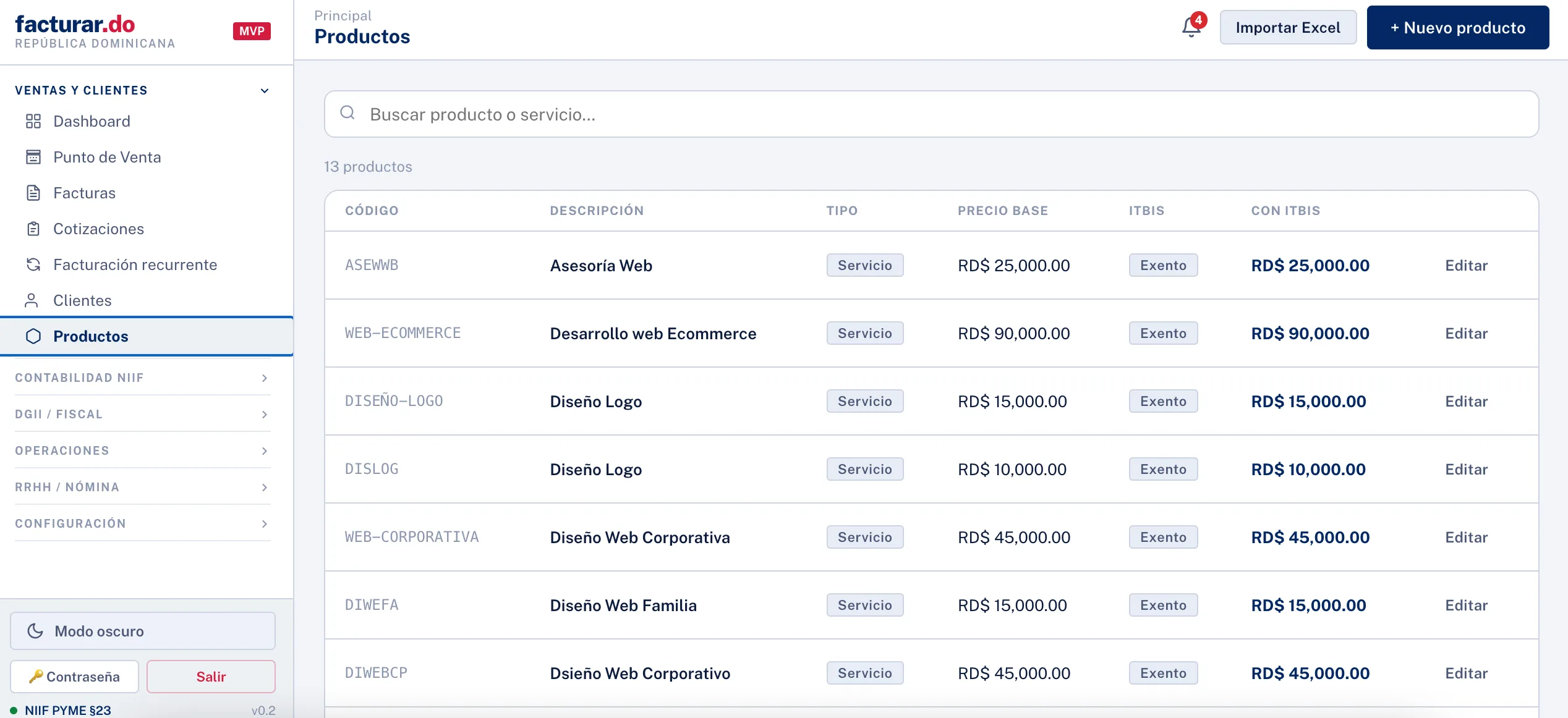
Product and service catalog — base price, VAT, and bulk import from Excel
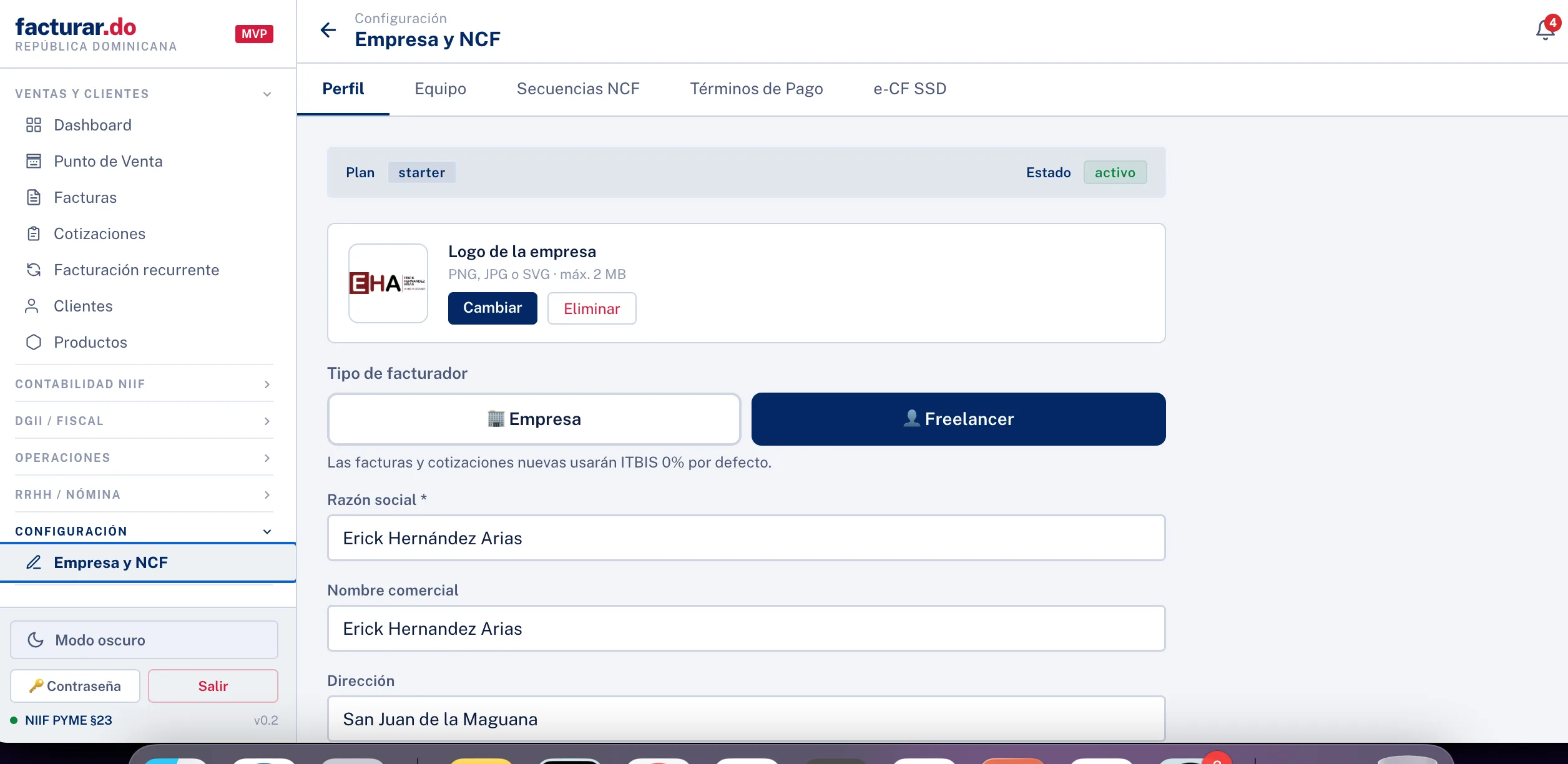
Company and NCF settings — tax profile, logo, receipt sequences, and payment terms
System architecture
Facturar.do follows Django's MVT architecture with a clear separation of domain models (Client, Invoice, Item, Payment). PostgreSQL in production (Render.com) guarantees transactional integrity for payment operations.
Main modules
Tech stack
Backend
Document generation
Frontend and infrastructure
How it was built
-
1Domain modeling first Before creating views, I defined the Django models: Client, Invoice, InvoiceItem, and Payment. Correct database relationships are the foundation — a poorly designed ORM forces patches later.
-
2Clean CRUD before adding business logic I first built basic CRUD views using Django's class-based views (ListView, CreateView, UpdateView). Then I added the logic for total calculations and PDF generation on top of a solid foundation.
-
3PDF generation with ReportLab PDF document generation was the most complex module. ReportLab allows pixel-perfect control of the layout, needed for the invoice to have the correct presentation with logo, item table, and totals.
-
4Deployment on Render with managed PostgreSQL I migrated from SQLite (development) to PostgreSQL in production using Render.com. Render's managed database simplifies backups and scaling without managing infrastructure.
What I learned
Django is the right framework for structured data management systems. Django's admin, ORM, migrations, and authentication system eliminate weeks of boilerplate work — you can focus on business logic from day one.
The main lesson: design the data model with the queries you'll need in mind. The "account statement per client" view required an efficient query that summed invoices and subtracted payments. That query was easy because the models were well related from the start.
Need a management system for your business?
I build custom web platforms with Python Django and PostgreSQL for businesses in the Dominican Republic. Invoicing, CRM, inventory, or whatever your operation needs — we start with process analysis.